Meeting rooms
Boardroom 1, Board Room 2 partitions and the Drivers Office.
Instant booking
Reserve meeting rooms and essential equipment in one place, with clear availability and a simple approval process.
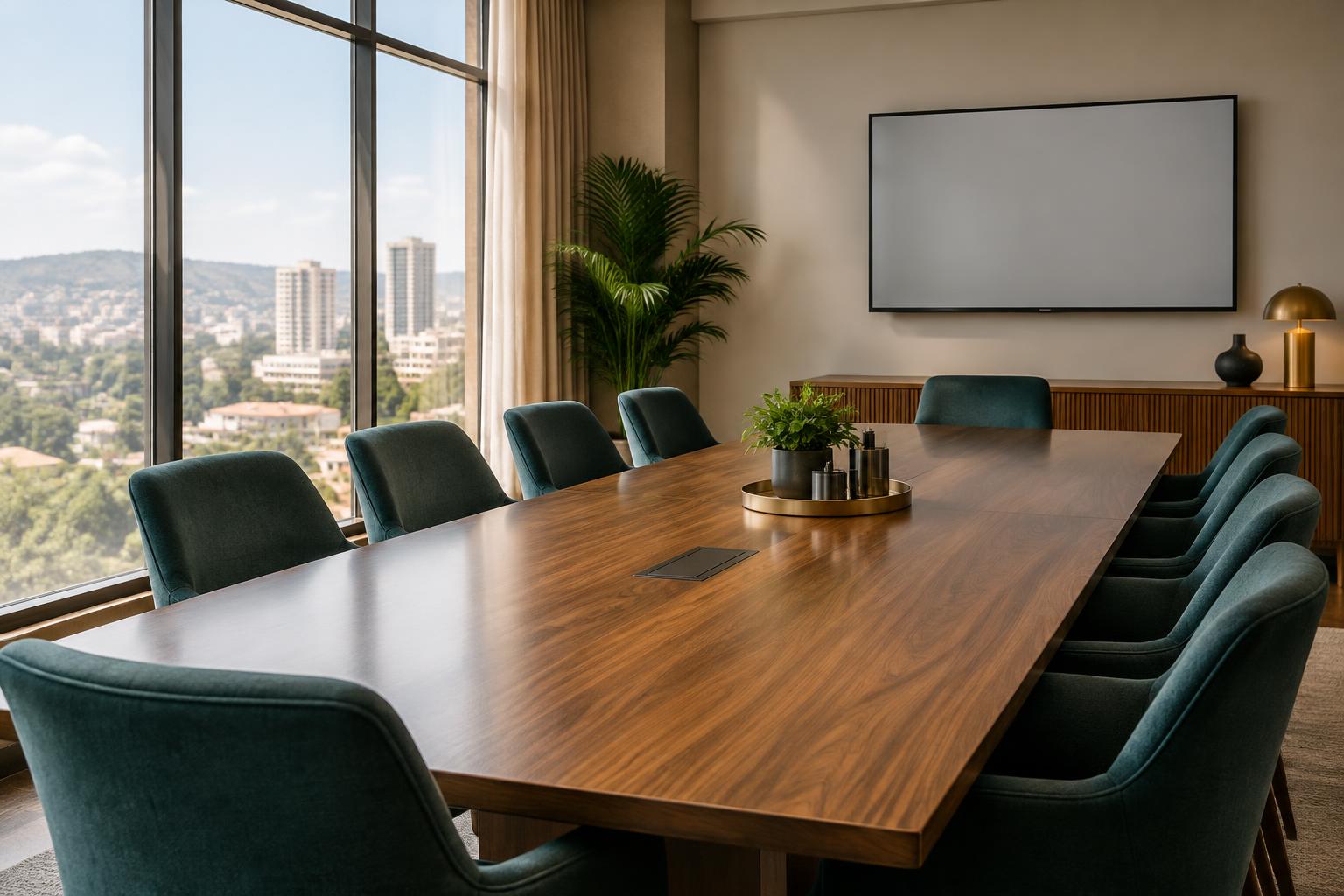
From a quick team catch-up to a full presentation, find the right space and equipment without the back-and-forth.
Boardroom 1, Board Room 2 partitions and the Drivers Office.
Reliable presentation equipment for field staff and training.
Clear conference audio for hybrid meetings and team calls.
The connections you need for presentations and screen sharing.
Presenter remotes for briefings, training and workshops.
See what is taken, who booked it and when it becomes free.
Use your staff email, Google or Microsoft 365 account.
Select a room or equipment, then pick your date and time.
Rooms book instantly. Equipment goes to an admin for approval.
Sign in to see availability, make a booking and keep track of everything you have reserved.